Your PC treats it as a real screen.
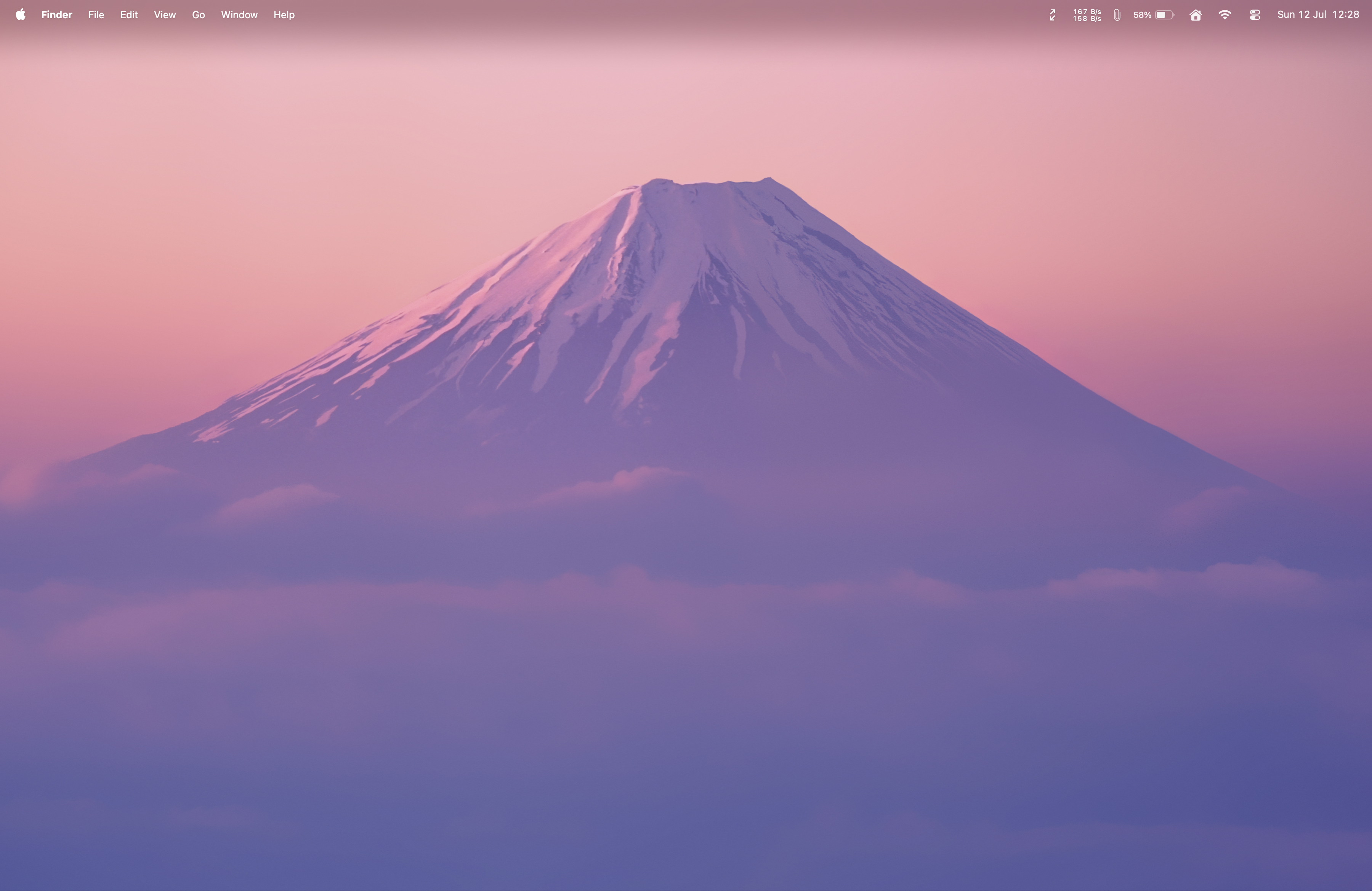
FlowDesk adds a brand-new display to your computer. It shows up in your display settings just like a monitor you plugged in — drag any app straight onto it.
One desk. As many displays as the work.
Tap Add Monitor. Your PC gains a real display. Your room gains a floating one. Instantly.
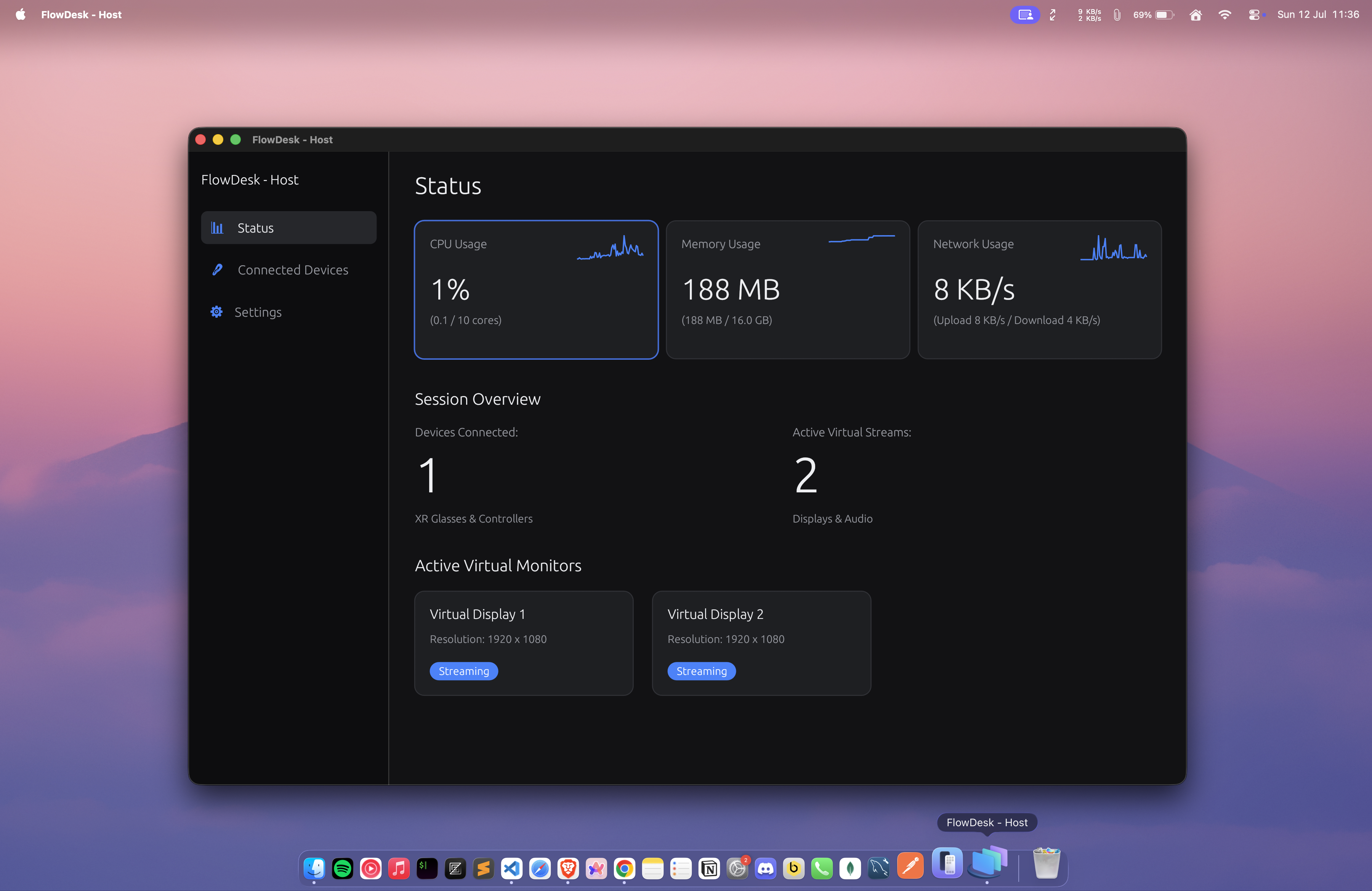
The multiplication sequence
Published performance targets, drawn to scale.
1 monitor · 1080p · 90 fps
Performance
Each screen goes from your PC to your headset by the most direct route there is — so the picture stays sharp and keeps up with you.
Every screen is captured at full HD, so scrolling, video, and typing all feel natural.
Each screen gets its own dedicated connection, so a busy one never slows the others down.
When your Wi-Fi wobbles, FlowDesk quietly adjusts quality to keep everything running — usually before you even notice.
Ecosystem
FlowDesk adds a brand-new display to your computer. It shows up in your display settings just like a monitor you plugged in — drag any app straight onto it.
Your headset spots your computer on the same Wi-Fi. Scan a QR code to pair, and you approve the headset from your desk before anything ever streams.
Your screen travels to your headset by the shortest route possible, so the picture stays crisp and responsive.
Click, double-click, drag, scroll, type. Everything you do in the headset lands on your computer as if you were using a mouse and keyboard right there.
Add Monitor — what actually happens
From your perspective: a new monitor simply appears.
Architecture
“A failure in one panel never touches another.”
Each screen you create runs entirely on its own — its own stream, its own state, its own recovery when the network hiccups. Close one; your workspace doesn’t blink.
Every screen runs on its own — isolated by designEvery screen opens, runs, and closes independently. Closing one never ends your session or touches the others.
Every screen you create is a real display to your computer — it shows up in your display settings like any monitor you could plug in.
The same floating-panel idea is built to hold more than screens down the road.
Good to know
FlowDesk turns your XR headset into an multi monitor setup. Tap a button and your computer gains a brand-new display that floats in the space around you — as many as you need, without buying a single physical monitor.
An Android XR headset and a Mac or Windows PC on the same Wi-Fi network. That's it — no cables and no extra hardware.
Up to eight. Fewer screens run at a higher frame rate; a full wall of eight still stays smooth. Every screen streams in full HD.
Up to 8 screens · Full HD · 60–90 fpsYes. Everything between your headset and computer is encrypted, and no headset can connect until you approve it from your desk. Nothing streams before you say yes.
Encrypted · You approve every headset